The Reports section gathers the workshop's statistics so you can see how your business is doing: how much you're invoicing, what state your orders are in and how your team is performing. You'll find it in the main menu, under Reports.
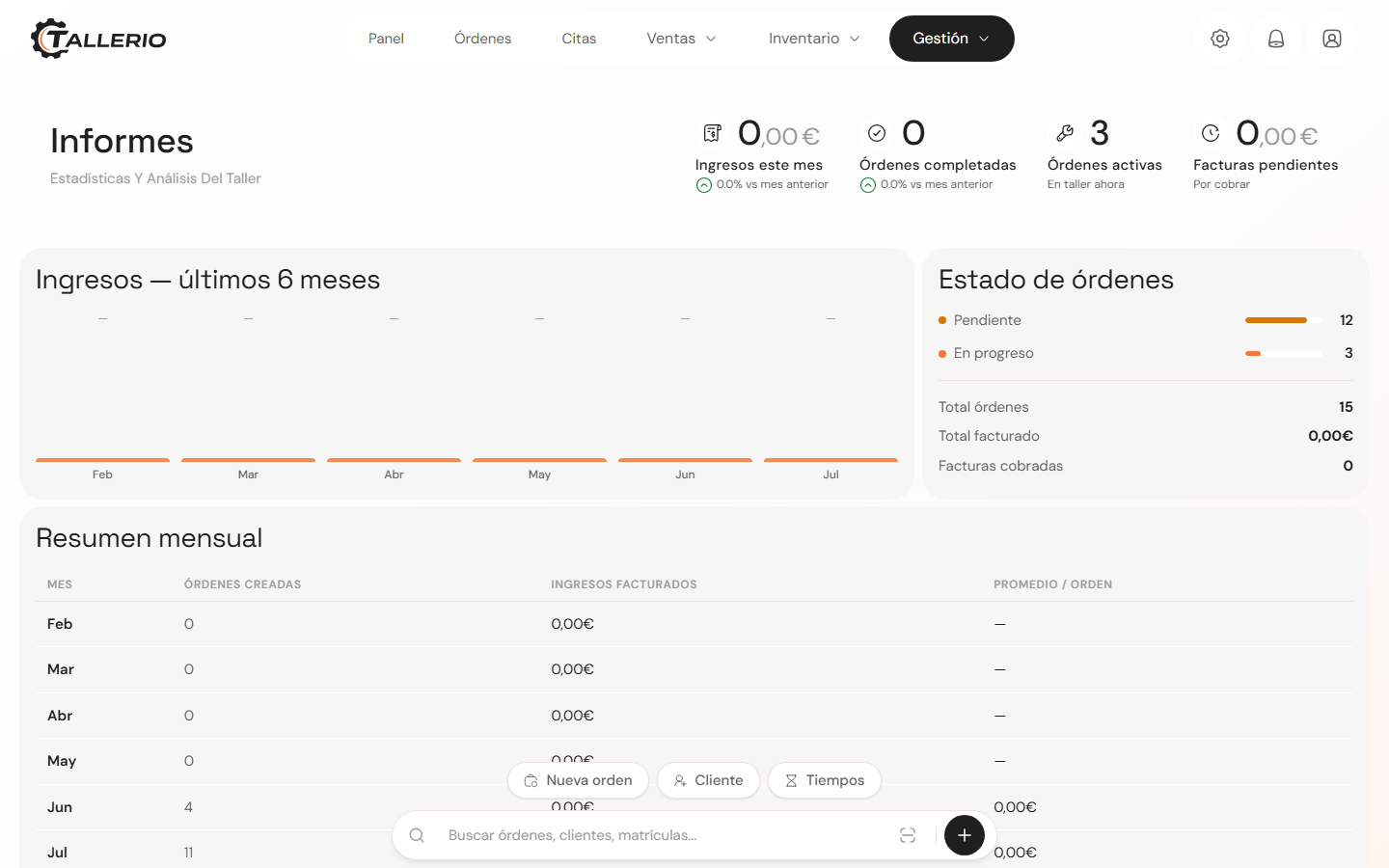
What you'll find
- Revenue: a bar chart of what's been invoiced over the last 6 months and a monthly summary with orders created, revenue and average per order.
- Order status: the breakdown of your orders by status (active, completed, waiting for parts, etc.), with totals for orders and paid invoices.
- Productivity per mechanic: assigned and completed tasks, hours worked and estimated revenue for each mechanic over the last 30 days.
- Most requested services: the jobs that come up most often at your workshop.
- Client retention: how many clients are repeat visitors versus one-time, and the average visits per client.
- Low stock alert: inventory items below the minimum.
The header also shows quick indicators: this month's revenue, completed orders, active orders and invoices pending payment.
A Pro+ plan feature
Reports are available on Pro plans and above. If your workshop is on the Basic plan, the section won't appear in the menu. To enable it, upgrade your plan from Settings → Billing.