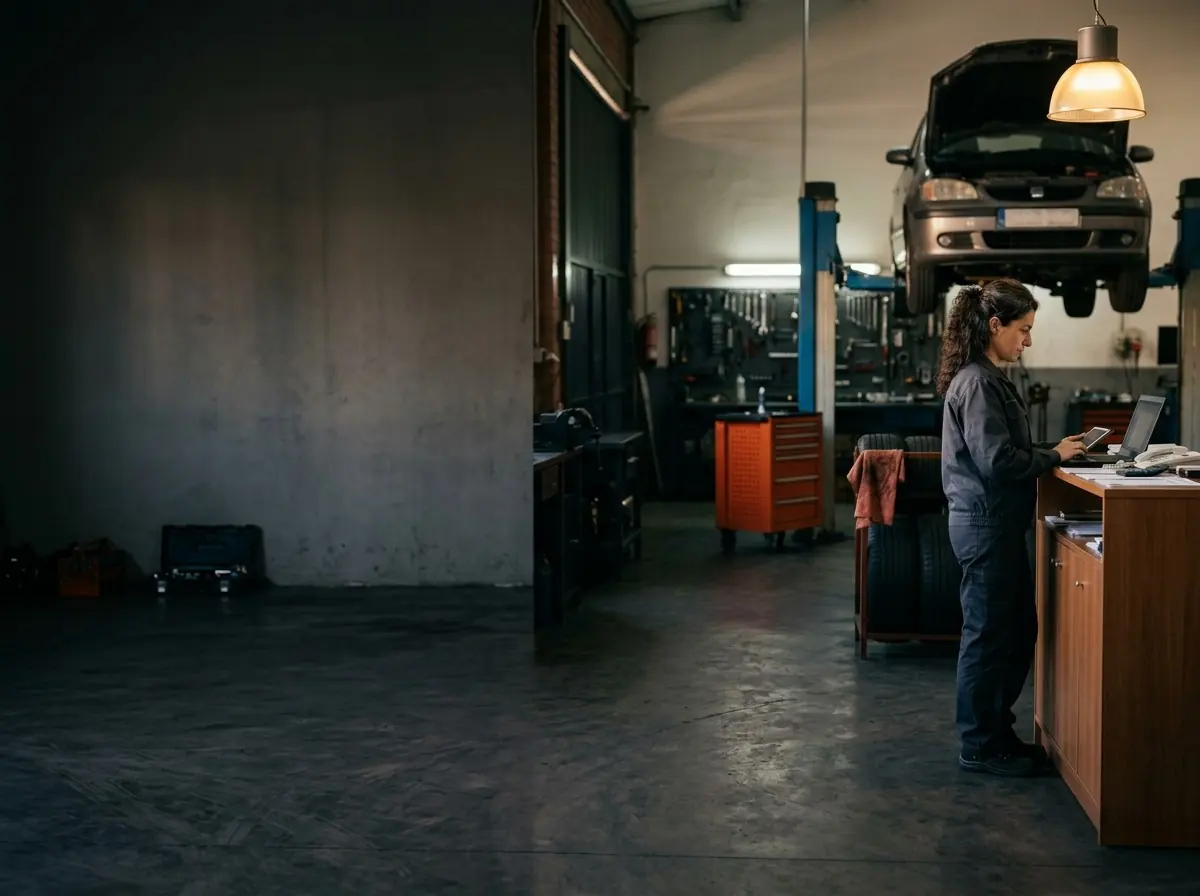
Invoicing software for auto repair shops, with Veri*factu included
Invoice every repair from its work order, with nothing typed twice. Automatic numbering, full or partial payments and Veri*factu or TicketBAI registration on every plan.
Invoicing, Veri*factu and TicketBAI are included on every plan. Compare plans
- No card needed
- 14 days free
- We set it up in under 24 h
Still copying by hand into the invoice what is already in the order?
When the order, the payment and the invoice live in different places, invoicing a repair means doing the work twice.
-
Invoices typed twice
Copying labor and parts by hand takes time and brings mistakes.
With TallerioThe invoice fills itself in with the customer, vehicle, labor and parts of the order.
-
Payments noted somewhere else
Payments in instalments end up in a notebook or a separate sheet.
With TallerioEvery payment sits on the invoice and you see at once what is still owed.
-
Veri*factu as one more problem
Another program, another certificate and another fee to comply with the tax agency.
With TallerioVeri*factu and TicketBAI are included: you enable them once, with no digital certificate.
The invoice comes out of the work order
You open the vehicle's project and press Create invoice. Customer, vehicle, labor and parts are already there: you check the dates and the payment method, and confirm.
- Automatic, sequential invoice number, never typed by you.
- Subtotal, VAT and total calculated with your shop's VAT rate.
- You can add or remove lines before confirming the invoice.
Full payments, partial payments and the balance due
Collecting an invoice means recording one or more payments on it. Tallerio keeps the count for you.
-
Total, collected and pending
Every invoice shows the three figures, and the pending amount updates when you add a payment.
-
Partial payments
Record the amount, method and date of each payment. The invoice stays Partial until the balance reaches zero.
-
Hand over with everything paid
If a balance is still due, Tallerio warns you before the order is marked as completed.
Veri*factu and TicketBAI, included on every plan
When it is on, every invoice you confirm is recorded with the Spanish tax agency. The official PDF carries its QR code and the VERI*FACTU legend or, in the Basque Country, the TicketBAI code.
- No digital certificate: you sign an authorization once.
- You pick your tax territory in Settings: common territory, Álava, Gipuzkoa or Bizkaia.
- A recorded invoice is not edited: it is corrected with a rectifying invoice.
Invoicing, Veri*factu and TicketBAI are included on every plan.
Guide: Veri*factu for workshops Comparison of software with Veri*factu
From the finished repair to the paid invoice
Four steps, all on the data the order already holds.
-
1. Repair finished
The order holds the jobs, the labor and the parts used.
-
2. Create invoice
You check the lines and confirm. The number is assigned for you.
-
3. PDF and sending
You print, download the official PDF or send it by WhatsApp with the message already written.
-
4. Payment
You record the payment, in one go or in parts, and the invoice is collected.
What this invoicing software does not do
So you know where Tallerio ends before you try it.
- Compliant tax invoicing is covered in Spain only (Veri*factu and TicketBAI). It does not issue CFDI or connect to DIAN, SII or AFIP.
- It is not accounting software: it keeps no ledgers and files no taxes.
- Veri*factu does not switch itself on: you enable it in Settings when you want to start.
Your accountant can have their own access to look up the invoices.
Features that connect with invoicing
The invoice is the last step of one flow: booking, work order, quote and payment.
-
Work orders
Follow every repair from the moment the car arrives until handover.
See in detail -
Appointments and online booking
The shop's calendar and online booking that end in an order already created.
See in detail -
Customers and vehicles
History per customer and plate, ready at every visit.
See in detail -
WhatsApp reminders
How to notify your customers about appointments and quotes through WhatsApp.
See in detail
Frequently asked questions about workshop invoicing
What is worth knowing before you invoice your repairs with Tallerio.
Still have questions?
Questions about invoicing? Try it for 14 days or write to us and we will answer.
Prefer to ask us directly? Message us on WhatsApp
Invoice your repairs without typing them again
Try Tallerio free for 14 days, no card and no commitment. We set your shop up in under 24 h.