WhatsApp reminders and quote approval for your workshop
The workshop's WhatsApp ends up full of car photos, hand-written quotes and "I'll let you know when it's ready" messages nobody writes down anywhere. It works until the mechanic who handled it goes on holiday and nobody else knows what was said to whom.
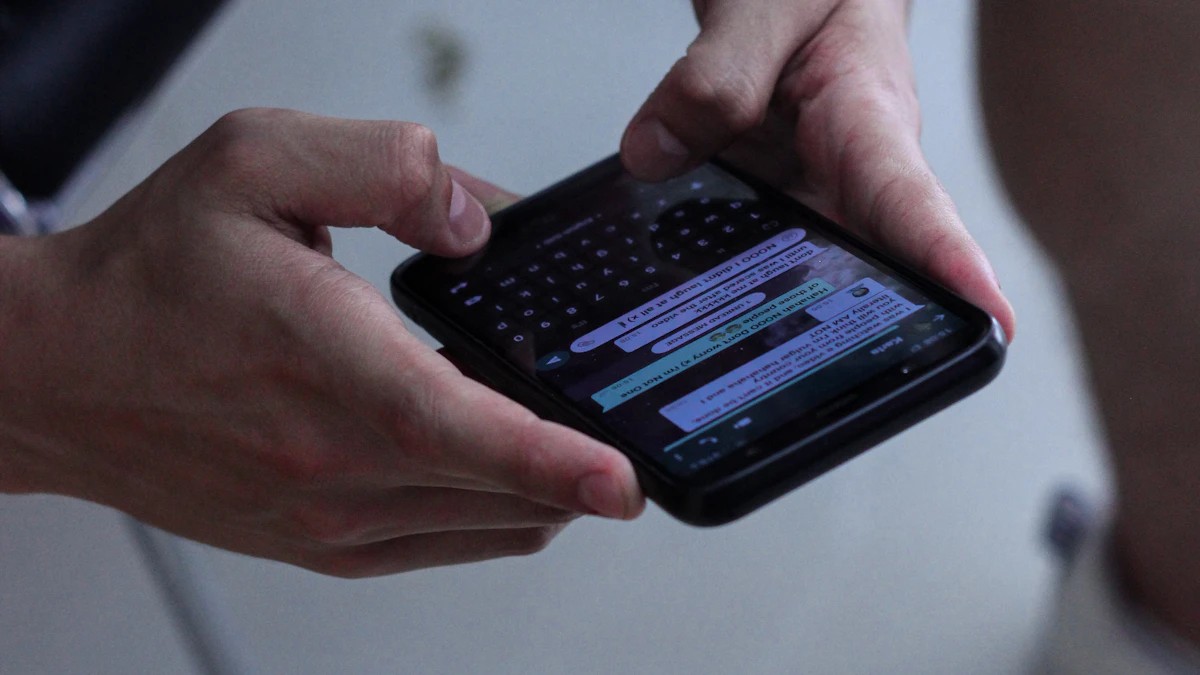
A loose WhatsApp chat has no history
A regular WhatsApp chat doesn't know which work order it belongs to, which quote goes with it, or whether the customer already replied. It lives on one person's phone, and if that person is out, the rest of the workshop has no way to pick the conversation back up.
Tallerio ties every message to the real work order: when you send a notification, it goes out with the license plate, the quote and the status already filled in, and it's logged on the client's record, not on a loose phone.
Car-ready update in one tap
When the vehicle is ready for pickup, you press a button and Tallerio notifies the customer over WhatsApp without you writing anything. The message goes out with the vehicle and workshop details already filled in, so the customer knows exactly which car to collect and where.
The appointment confirmation does go out on its own as soon as you confirm the appointment, so the schedule and the customer's WhatsApp always say the same thing.
The customer can request that appointment from a link, without calling. See how appointments and online booking work in Tallerio.
The customer approves the quote with one tap
Instead of reading the quote over the phone and waiting for a verbal "go ahead" nobody writes down, the customer gets a WhatsApp link, opens it and approves or rejects it without calling anyone. The approval is logged on the work order instantly, so the mechanic can start without waiting for confirmation through another channel.
If a quote goes a few days without a reply, one tap sends a follow-up notification, so the approval doesn't get lost among other conversations.
What you won't find here
Worth saying plainly, so you know what to expect:
- It's not free-form chat or a full conversation CRM: notifications go out as ready-made texts with the work order's details. To talk with the customer, you keep using your WhatsApp as usual.
- You need to connect the workshop's WhatsApp: it's done once, by scanning a QR code in Settings. If it's not connected, Tallerio sends nothing, and if the connection drops we let you know in the app and by email.
- Only the appointment confirmation goes out on its own. Every other notification (car ready, parts, invoice, quote, inspection or service) you send with one tap, when you decide.
Try it free for 14 days
Tallerio covers scheduling, work orders, quote approval and VeriFactu invoicing from a single panel, with plans from €29/month . WhatsApp updates are included in every plan. You can see it working in 15 minutes before deciding.
Frequently asked questions
Does Tallerio send WhatsApp messages from my own number?
Yes. You connect the workshop's WhatsApp by scanning a QR code in Settings, and notifications go out from your number. The customer gets them on the same WhatsApp they always use.
Can I write whatever I want, or are the messages ready-made?
The notifications Tallerio sends come ready-written, with the work order's details filled in, so you don't have to type anything. To talk about anything else with the customer, you use your WhatsApp as usual.
What notifications does Tallerio send automatically?
Only the appointment confirmation, as soon as you confirm it. The rest (car ready, waiting for parts, invoice, pending quote, inspection and service) you send with one tap from the work order or from the list of customers to win back, with the details already filled in.
Is it included in every plan?
Yes. WhatsApp updates are in every plan, Básico included. The only Pro part is the link that lets the customer approve the quote from their phone.
Is there a monthly message limit?
No. WhatsApp updates are unlimited on every plan and go out from your workshop's number, with no per-message cost.
Can't find your answer? Message us on WhatsApp