In Suppliers you store your suppliers' details and create orders for parts and products. When an order is received, its units are automatically added to inventory.
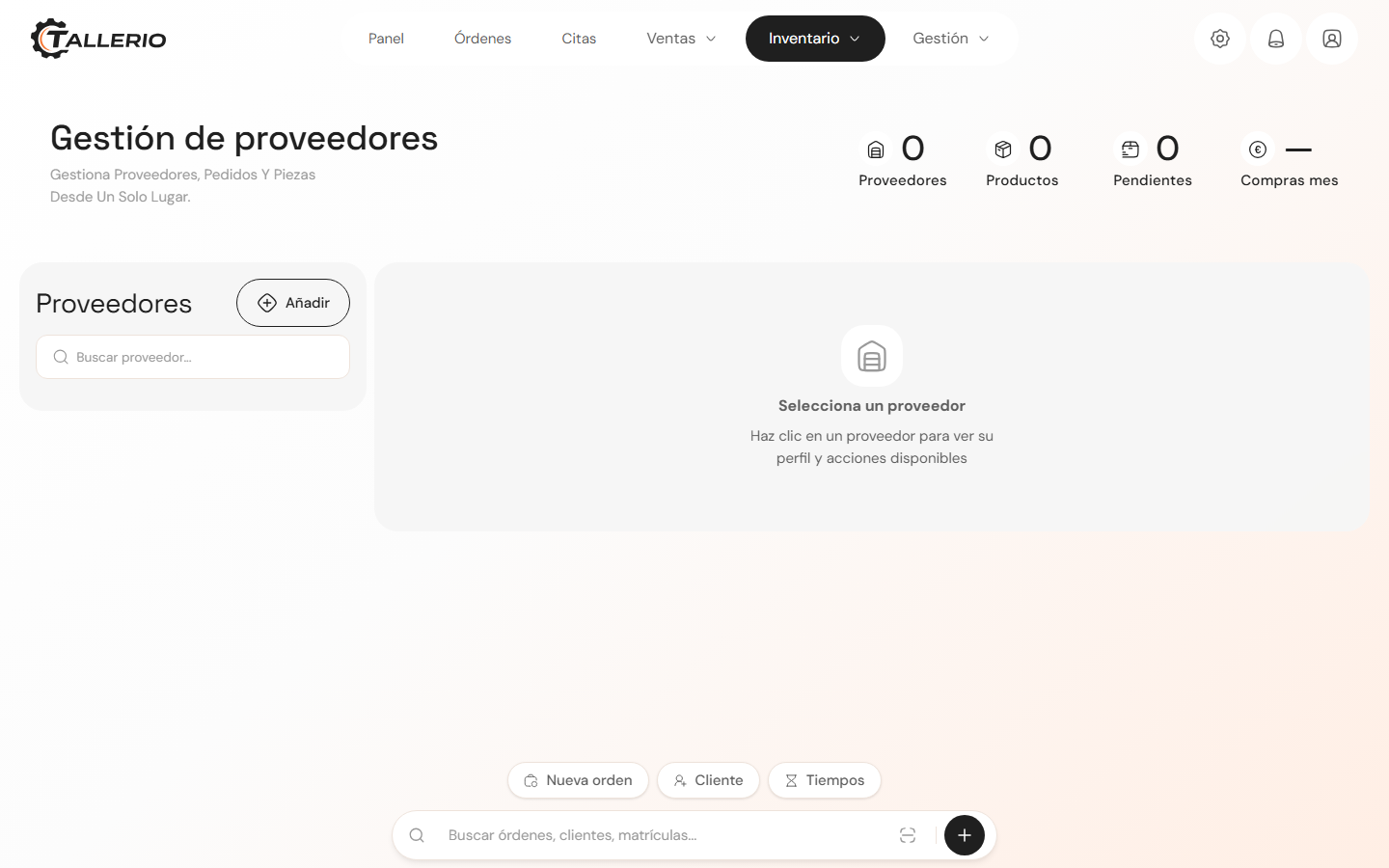
Add a supplier
- In the menu, open Suppliers.
- Click New above the list on the left.
- In the New supplier panel, fill in the Name (required), Phone, Email and Notes.
- Click Add supplier.
From the supplier's profile you can Edit their details or Delete them with the action buttons.
Create an order
- Select the supplier and click the option to create an order.
- The New order panel opens. Search for products by name or reference and adjust quantities with the + and − buttons.
- Review the Order summary with the total.
- Click Confirm order to save it.
If the supplier has an email, the Send by email button appears: it prepares an email with the order lines, ready to send.
Receive an order
When the goods arrive, open the order on the supplier's profile and mark it as received. Tallerio adds the order's quantities to each item's inventory stock, so you don't have to adjust it by hand.