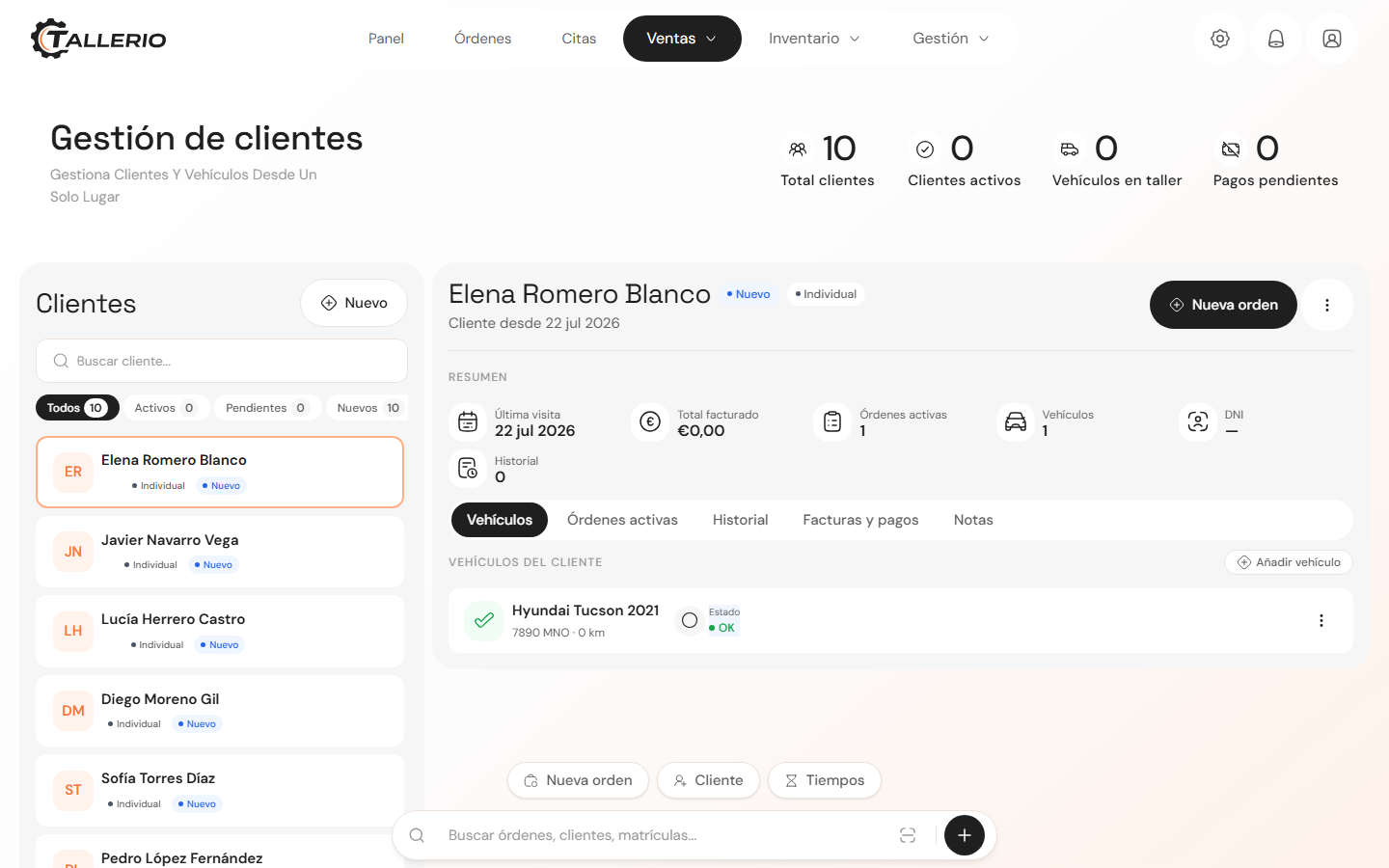
Every client has their own profile in Tallerio, with their details, their vehicles and their whole repair history. Creating a new profile takes less than a minute.
Add a client
- In the menu, open Clients.
- At the top of the list on the left, click New.
- The New client window opens. Fill in the details:
- Full name (required): the only mandatory field.
- National ID: the client's tax document (useful for invoices).
- Phone and Email: so you can call or write to them from their profile.
- Type: choose between Regular, VIP or Company.
- Notes: any internal note about the client.
- Click Create client.
The new client appears selected in the list and you can already open an order or an invoice from their profile.
If you try to create a client with the same name or national ID as one that already exists, Tallerio doesn't duplicate it: it warns you and selects the profile you already had.
Adding their first vehicle at the same time
In the same window, under Vehicles (optional), click Add vehicle to register one or more of the client's cars without leaving the form. Fill in at least the Make and save; you can complete the rest of the details later.
If you'd rather register vehicles afterward, see the How to register a vehicle guide.