Before opening your first order, it's worth getting the basic setup done. Everything is managed from Settings (the gear icon), a page with tabs at the top. Follow this checklist and you'll be ready in a few minutes.
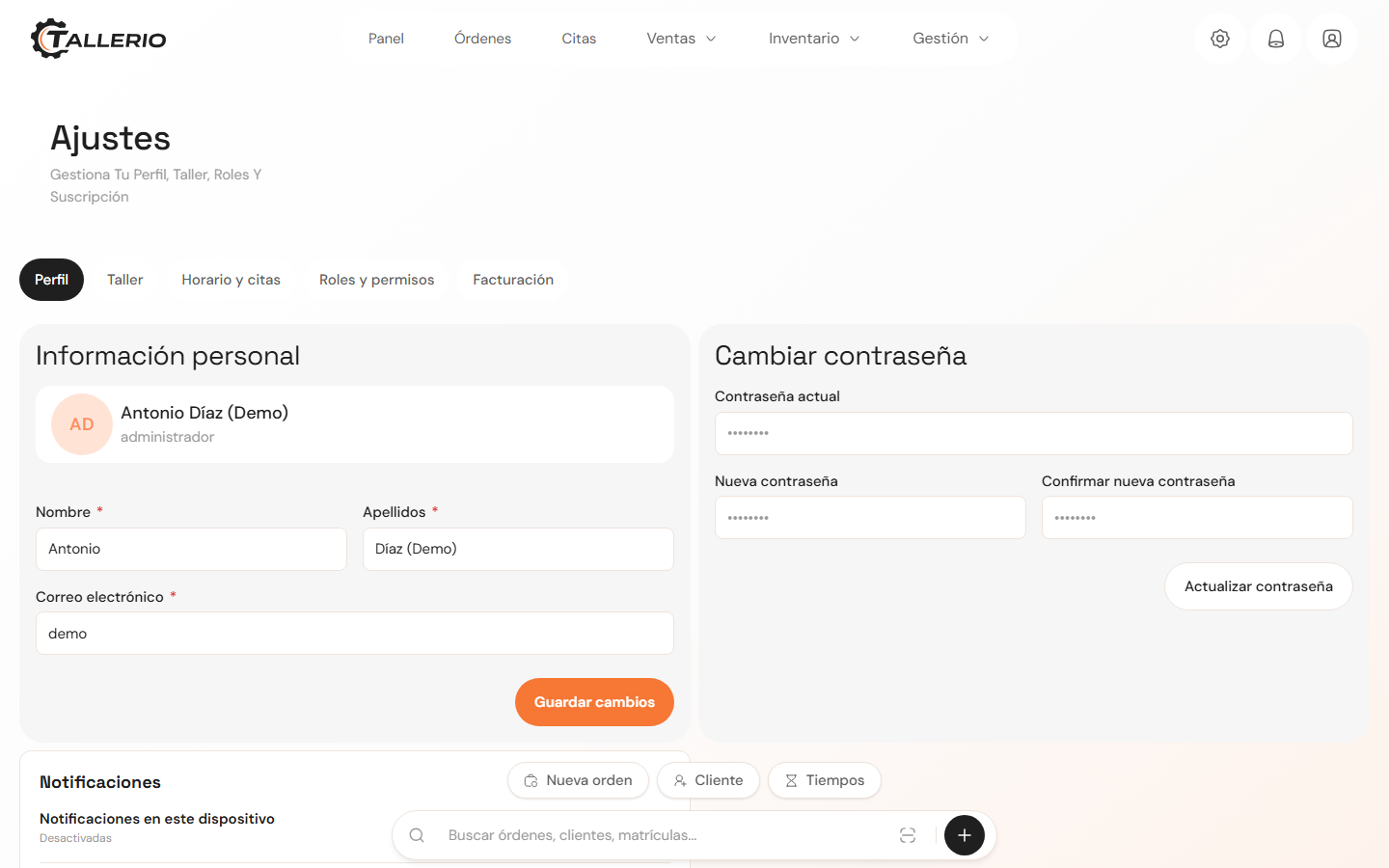
Checklist
- Complete your workshop details: in the Workshop tab, fill in the name, phone, contact email and address. This information appears on your documents.
- Review your fiscal settings: in the same Workshop tab, enter your Tax ID, country, business type (company or self-employed), the default VAT rate and your invoice prefix. In Spain, this is also where you enable and configure Verifactu by uploading your digital certificate.
- Upload your logo: under Branding and invoices, add your workshop's logo. It's stamped on every invoice, quote and PDF. You can also upload or draw your stamp / signature.
- Set your business hours: in the Hours and appointments tab, mark your opening days and times. The online booking system automatically respects these hours.
- Add your team: create your employees and, in the Roles and permissions tab, adjust what each role can see and do.
Only the administrator can edit the workshop details, fiscal settings and roles. Each of these steps has its own detailed guide in the Help Center if you need more information.