The Dashboard is the first screen you see when you enter Tallerio. It gathers, in cards, the most important things for the day so you know at a glance how your workshop is doing. From here you can reach any section through the main menu.
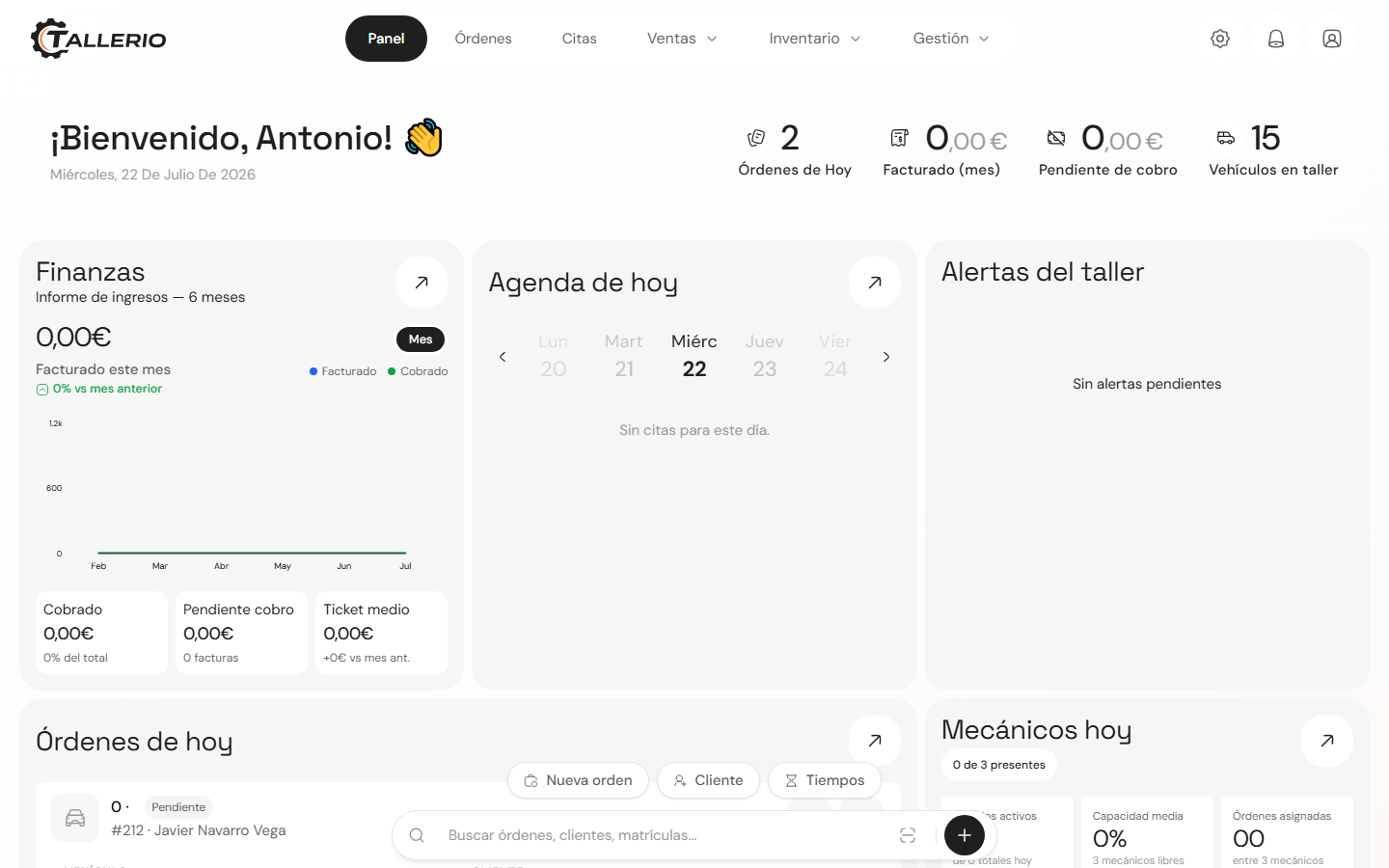
The main menu
The menu appears as a bar at the top on desktop and becomes a dropdown menu (hamburger button) on mobile and tablet. These are the sections:
- Dashboard: the workshop summary you're looking at now.
- Orders: open work orders (repairs) and their status.
- Documents: quotes, invoices and delivery notes.
- Clients: client profiles, their vehicles and history.
- Appointments: the workshop's schedule and bookings.
- Inventory: parts and materials stock.
- Employees: your team, their roles and permissions.
- Suppliers: your suppliers and orders.
- Reports: business statistics (Pro+ plans). See available reports.
What you see depends on your role. If your user doesn't have access to a section, that entry won't appear in the menu.
The Dashboard cards
Depending on your role, you'll see different cards. As an administrator or workshop manager, the Dashboard shows:
- Finance: this month's invoiced and collected amounts, what's pending and the average ticket.
- Today's schedule: today's appointments, with date navigation.
- Workshop alerts: notices that need your attention.
- Today's orders: repairs in progress with their vehicle and client.
- Mechanics today: who's working and their order load.
- Business growth, Client retention and Accounts receivable.
- Productivity per mechanic.
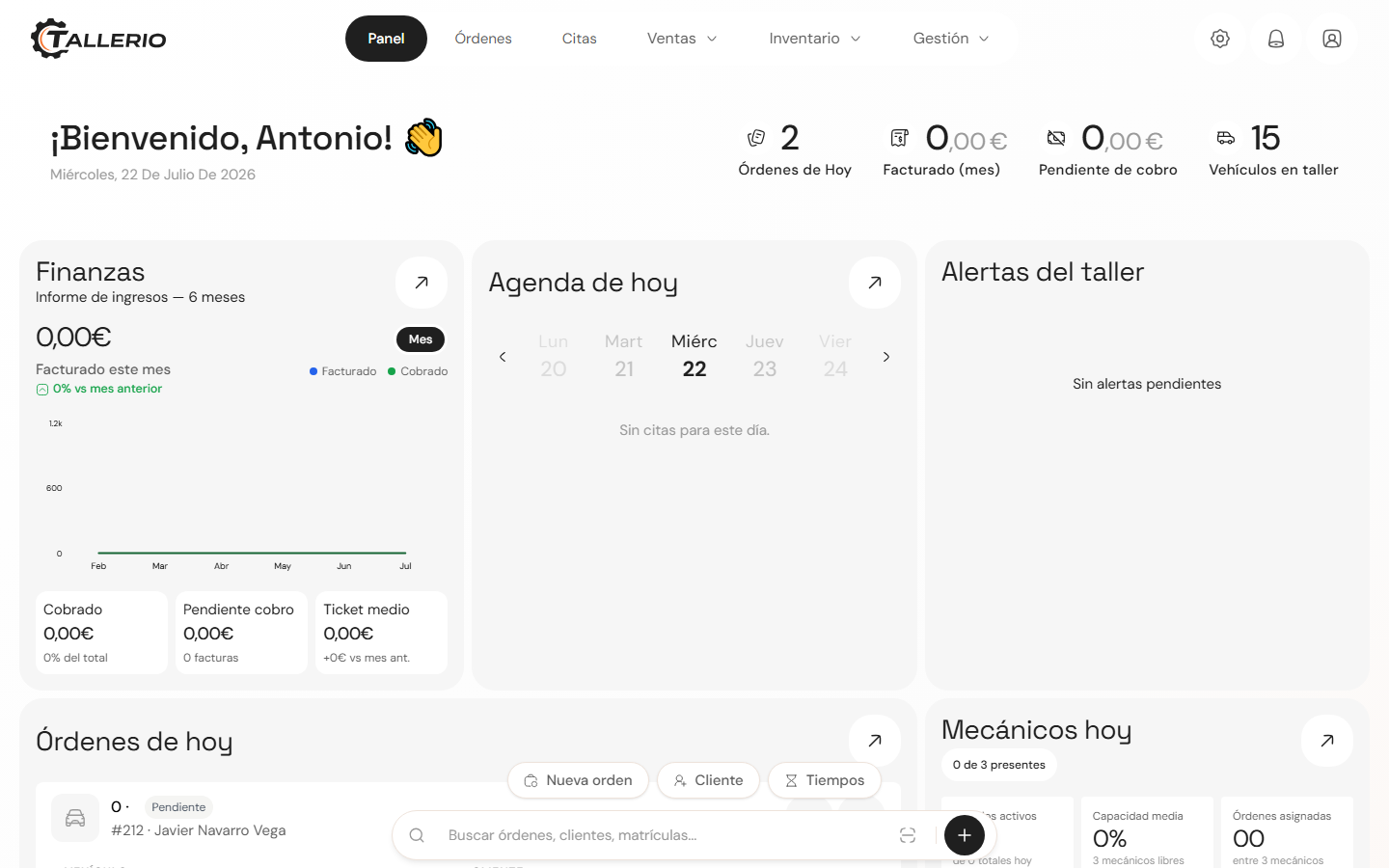
Mechanics instead see My day, their assigned orders and their notifications; reception sees a panel with appointments, vehicles in the workshop and pickups.