Tallerio is the management software built for auto repair shops. From one place you control repairs, invoicing, clients and their history, appointments, inventory and your team. This guide gives you an overview so you know where to start.
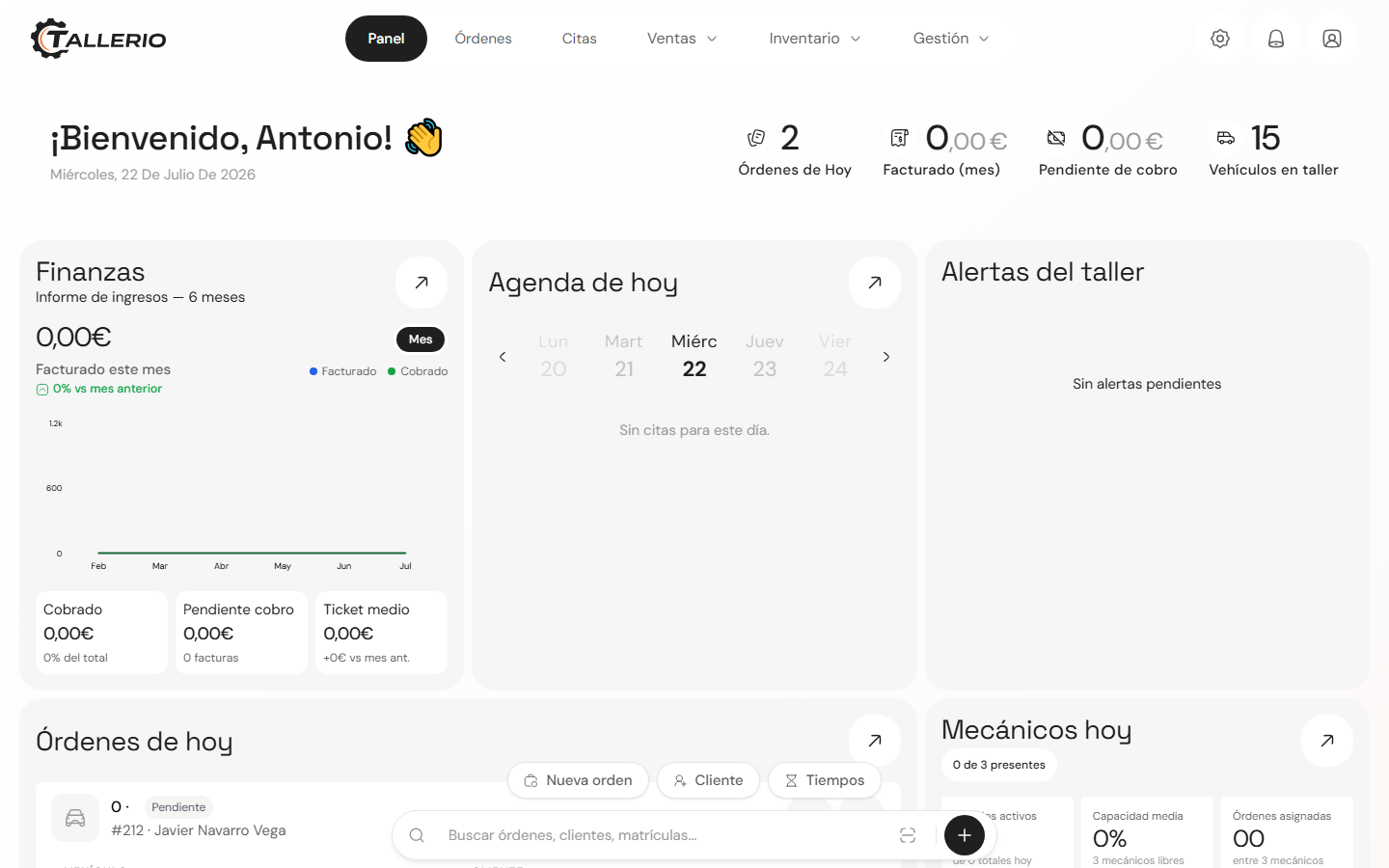
What you can do with Tallerio
- Work orders: open an order for each repair, add labor and parts, and track its status until the vehicle is delivered.
- Documents and invoicing: generate quotes, invoices and delivery notes from each project, with VeriFactu compliance for Spain.
- Clients and vehicles: keep a profile per client with all their vehicles and repair history.
- Appointments: organize the workshop's schedule and let your clients book online.
- Inventory and suppliers: control parts stock and manage your orders to suppliers.
- Employees and clock-in: add your team, define permissions and track attendance with clock-in.
- Reports: analyze revenue, productivity and business health (Pro+ plans). See available reports.
Recommended first steps
- Set up your workshop: go to Settings → Workshop to complete your fiscal details, invoice logo and business hours.
- Add your team: add your mechanics under Employees and assign their role.
- Register your first clients and vehicles from Clients.
- Open your first work order when a vehicle comes into the workshop.
Need help at any point? Click Help Center in your profile menu (top right) to see the guides for the section you're in. Still stuck? Contact support.
Getting around the app
The main menu (sidebar on desktop, dropdown on mobile) takes you to each section: Dashboard, Orders, Documents, Clients, Appointments, Inventory, Employees, Suppliers and Reports. What you see depends on your user's permissions, so some sections may not appear if your role doesn't have access.