An appointment isn't just a note on the schedule: confirming it makes Tallerio automatically create the client, their vehicle and the linked work order. That way you don't re-enter data when the car arrives at the workshop.
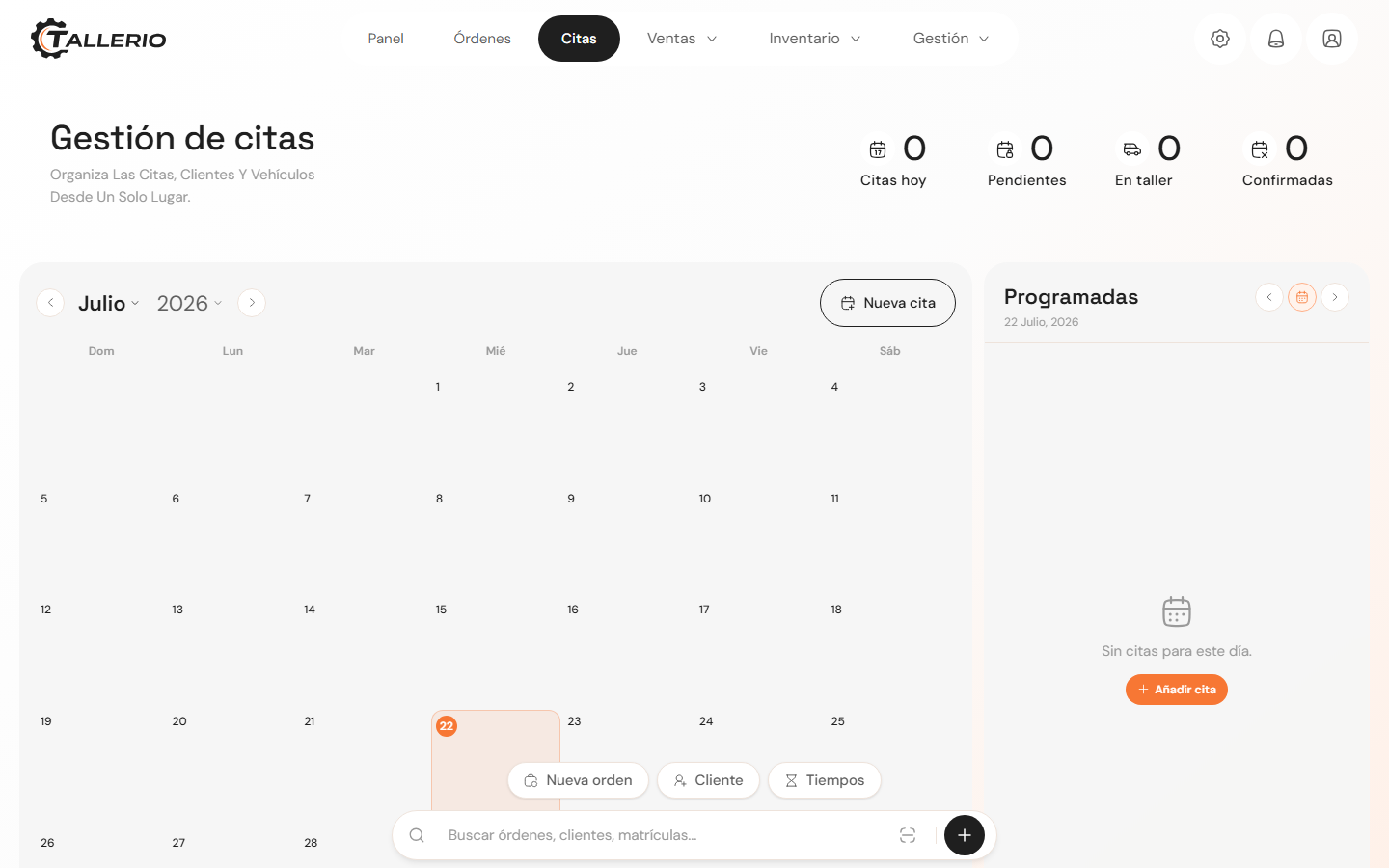
Confirming creates the order
- In Appointments, open the client's Pending appointment.
- Click Confirm (or edit the appointment and set the status to Confirmed).
- On confirmation, the system creates the client, the vehicle and a linked work order in the background. The appointment stays as Confirmed.
When the vehicle arrives
The generated order appears in Orders with Scheduled status (confirmed appointment, vehicle not yet present). When the car comes into the workshop:
- Go to Orders and select that order.
- Click Vehicle arrived and, if you want, assign the mechanic or mechanics who'll handle it.
- The order becomes active in the workshop and you can now follow the normal flow: sign the WO, create the quote and carry out the jobs.
From here the order works like any other. Check the Work orders guides for the rest of the process (quote, statuses and invoicing).