Besides creating appointments from the workshop, Tallerio gives you a public booking page where your own clients request appointments themselves. The slots they see come directly from the business hours you configure, so they'll never book outside your opening hours.
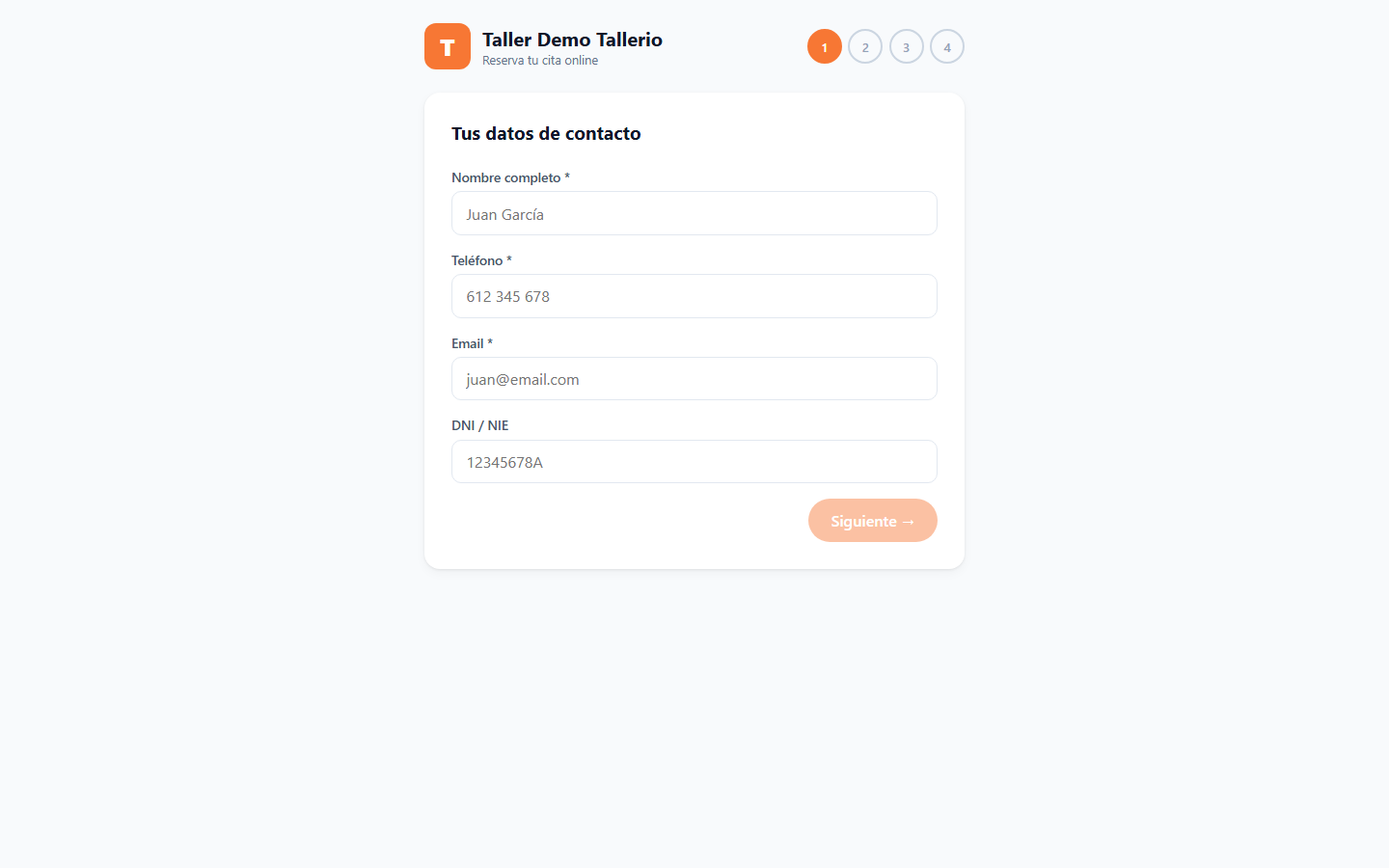
How the client books
The booking page is a four-step wizard:
- Contact details: name, phone, email and, optionally, national ID.
- Vehicle: make, model, license plate and the services needed.
- Date and time: choose from the available days and slots.
- Confirmation: review and click Request appointment.
The request lands on your schedule as a Pending appointment. The client gets the confirmation by WhatsApp or email when you approve it (see How to approve and manage appointments).
Where the available slots come from
The slots the client sees are calculated from your business hours. You configure them in Settings → Hours and appointments:
- Under Business hours, turn on each day you're open and set the opening and closing time. Closed days and hours outside that range don't appear as available.
- Under Closed days (holidays), add specific dates you're not open (for example, local holidays).
- Click Save hours and Save holidays.
Only the administrator can change the business hours. Changes are reflected automatically on the booking page: if a day is closed or fully booked, the client won't be able to pick it.