The quote is the middle step of every order: first the Work Order (WO) is signed, then the quote is generated with the labor and parts detail, and only once the client accepts it can repairs begin. This order protects the workshop and records what was authorized.
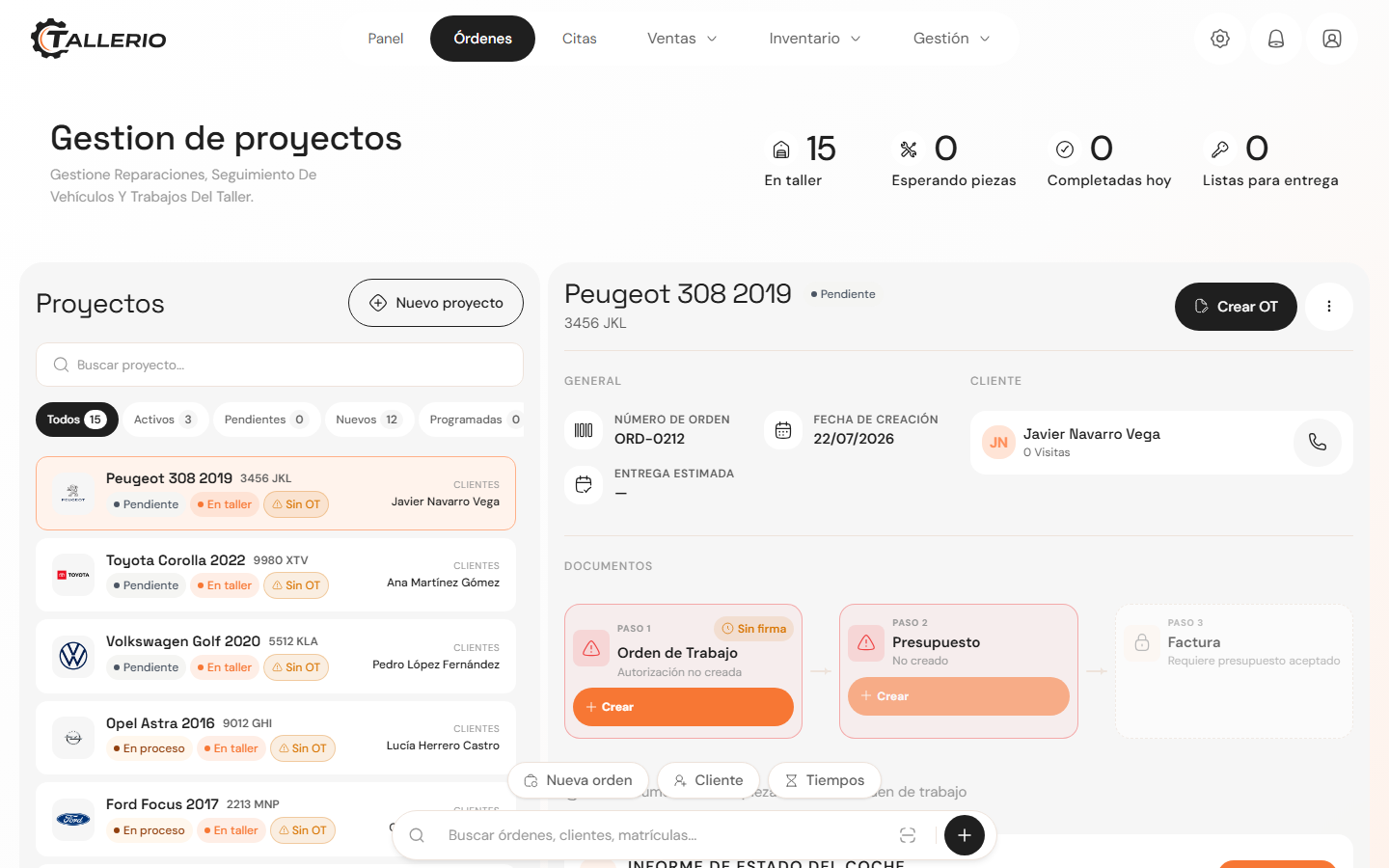
Generate the quote
- In Orders, select the order.
- Follow the next step button that appears in the header. Once a signed WO exists, that button becomes Create quote.
- The quote is built automatically from the order's jobs: one labor line per job (hours × rate) and one line per part.
- You can print it or send it to the client for review.
Getting the client to accept it
When the client gives the go-ahead, click Accept quote. Until then, mechanics can't start the repair jobs.
The diagnostics stage is an exception: it can be carried out before a quote exists, because you diagnose first and quote afterward.
The order of documents
Every order follows this document sequence:
- WO: the work order, which the client signs.
- Quote: the detail of jobs and parts, which the client accepts.
- Invoice: generated once the work is finished.
If additional work comes up later on an order that's already been invoiced, you'll need to open a new cycle with its own signed WO and accepted quote before invoicing again.