Any document in a project (WO, quote or invoice) can be turned into a PDF ready to print, download or send to the client.
Open the preview
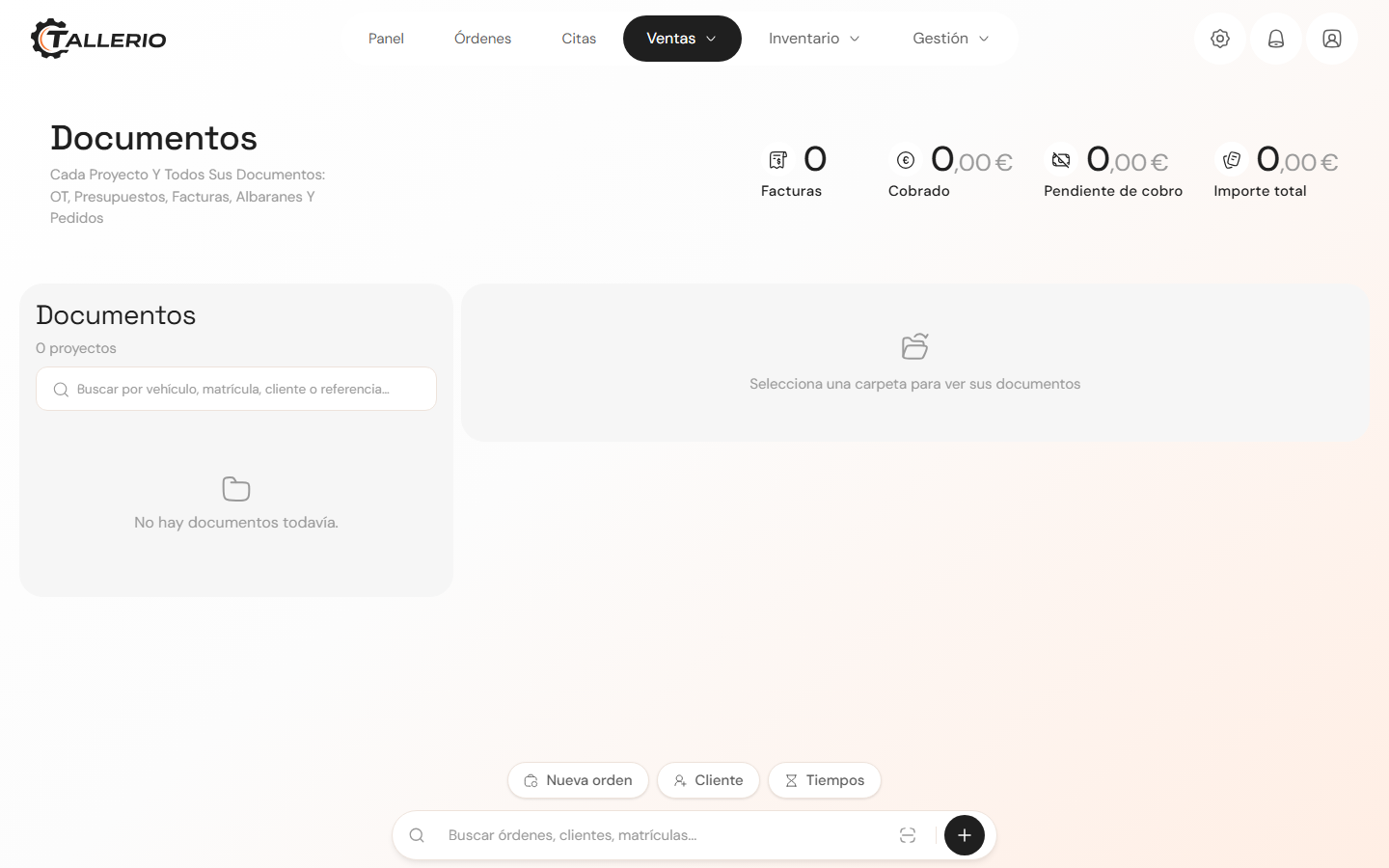
- In the menu, go to Documents and open the vehicle's project.
- In the list, click the document you want (for example, the invoice). Its preview opens in its final format.
When you create a new invoice, this preview opens automatically after Confirm invoice.
Print, download or send
In the preview's toolbar you have these actions:
- Print: opens your browser's print dialog.
- Official PDF (on invoices): downloads the PDF generated by the system. In Spain, this is the document with the VeriFactu QR code and fiscal validity.
- Download PDF: saves the file to your computer.
- Send via WhatsApp: opens WhatsApp with a message already drafted for the client (amount, date and payment method); you just need to send it.
On invoices you'll also see a Mark as paid button if it's still pending, and a label showing whether it's Paid or Pending.
The fiscal PDF (the "official PDF") is generated by the server with all the legal details. Always download it from there whenever you need the valid version of a Spanish invoice.
When you're done, click Close to go back to the document list.