In Tallerio everything revolves around the project: the repair of a specific vehicle for a client. A project groups the work and every document that repair generates. Understanding this relationship saves you confusion when invoicing.
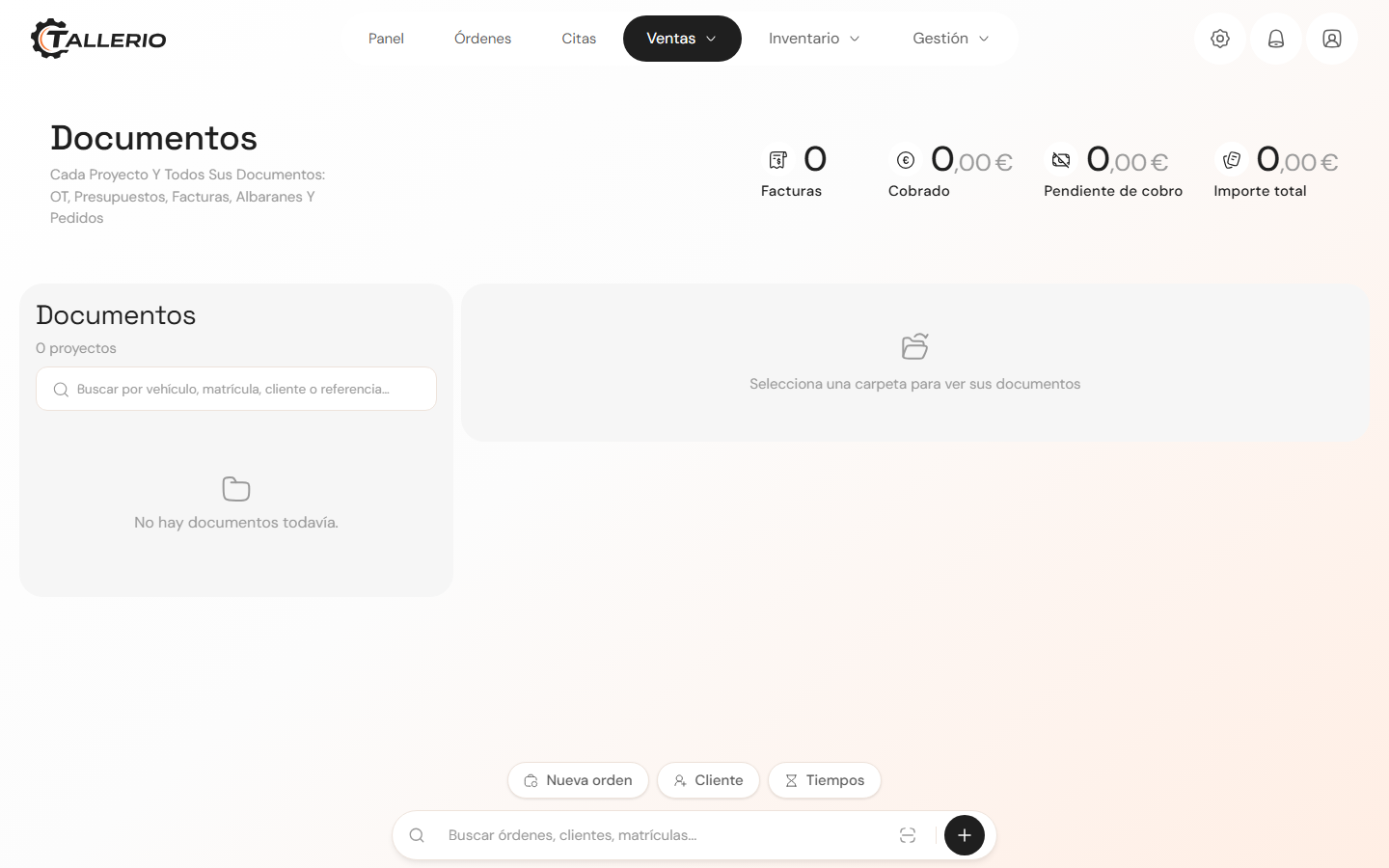
Where everything lives
- Orders (in the main menu) is where you manage work orders: you open one for each vehicle that comes in, add labor and parts, and track its status until delivery.
- Documents (in the main menu) is the project hub. Each folder brings together a vehicle with all its documents: WO, quotes, invoices, delivery notes and purchase orders. Search by vehicle, license plate, client or reference.
The five document types
- Work Order (WO): the client's authorization to start the repair. It lists the jobs to be done (without prices shown to the client) and is signed.
- Quote: the cost estimate you send before the repair. The client accepts it to give the go-ahead.
- Invoice: the fiscal document you issue once the work is done. It carries VAT and, in Spain, VeriFactu compliance.
- Delivery note: accompanies the delivery of parts or the vehicle; it records what was delivered without being the invoice yet.
- Purchase order: the document you send to a supplier to request parts.
Rule of thumb: the quote comes before the work, the invoice after. Payment is a status of the invoice, not a separate document type.
The usual journey
Signed WO → Accepted quote → repair → Invoice → payment. Not every project uses all five types; use whichever applies in each case. In each Documents folder you'll see a status label (No WO, Unpaid, Paid…) telling you what's still missing.